Package a project, and the .mp4 files from Content/Movies end up loose in the build directory, sitting next to the .pak and playable in any video player. That is not a staging oversight. It is the default behavior, written into the staging script. Two fields in Project Settings reverse it, and playback through UMediaPlayer using WmfMedia on Windows keeps working without a single edit to game code.
The default is NonUFS, which means outside the pak
The rule lives in the staging script, not in engine code. Content/Movies is walked recursively: anything that is not a .uasset or a .umap gets staged, and the engine’s own movies in Engine/Content/Movies go along with the project’s. The staged type is NonUFS in every scenario except when using a file server (CopyBuildToStagingDirectory.Automation.cs:1982-2011). A comment a few dozen lines above leaves no room for interpretation (:1971):
// NonUFS files are never in pak files and should always be remappedA NonUFS file is one that staging copies into the output directory and that the pak knows nothing about. Hence the loose .mp4 files in the build. Packing them was always possible; nobody ever told staging to put them inside the pak.
The two fields that reverse it
With bSkipMovies on, the script takes a different branch (:2013), where two explicit lists of movie names decide the staged type instead. In the editor they sit under Project Settings → Packaging → Advanced.
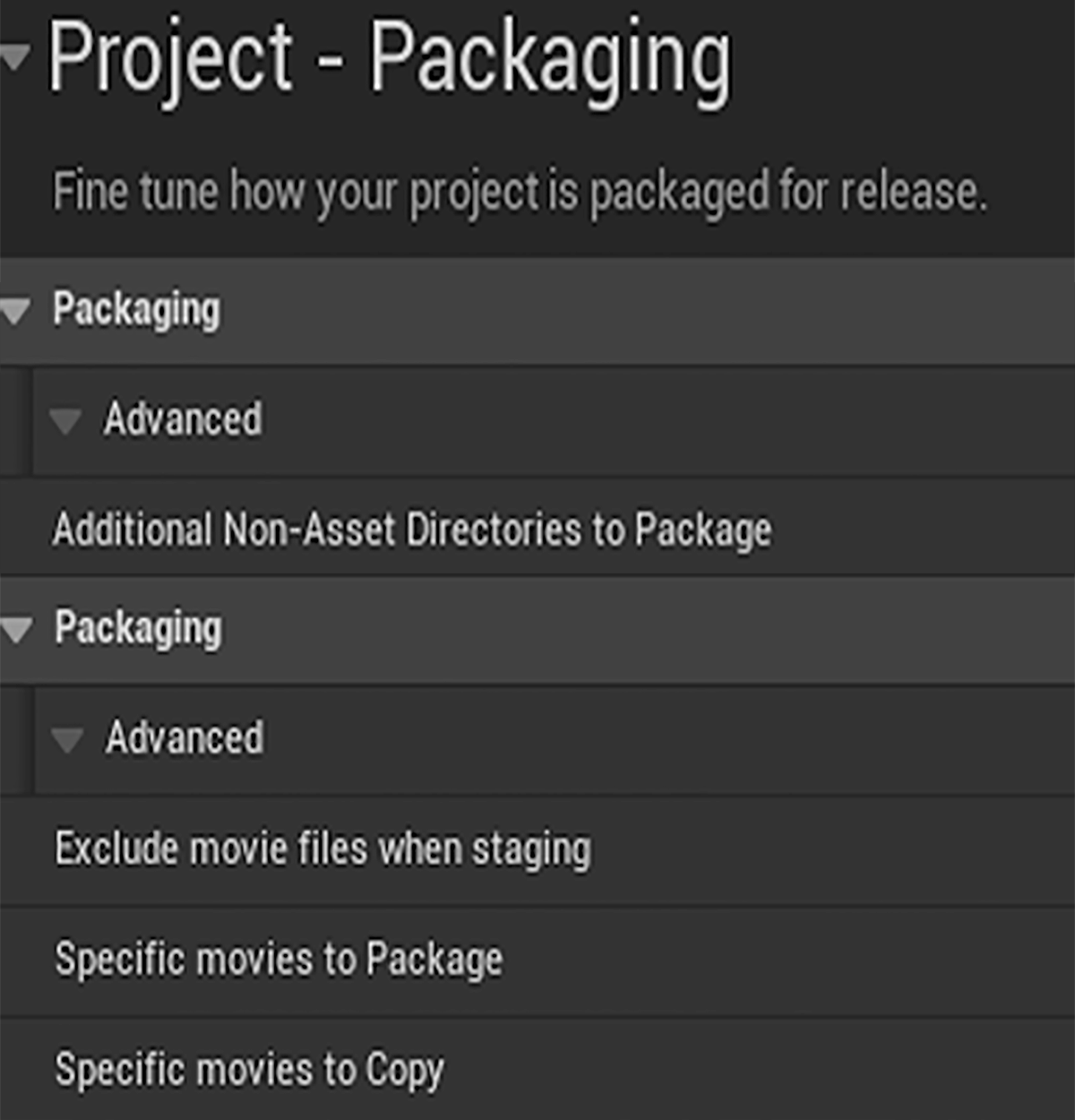
The field names hide what they do:
| Field in the editor | .ini key | Effect |
|---|---|---|
| Exclude movie files when staging | bSkipMovies | switches modes: from “everything as NonUFS” to “only what is listed” |
| Specific movies to Package | UFSMovies | the file goes into the pak |
| Specific movies to Copy | NonUFSMovies | the file goes next to the pak, as before |
The description for UFSMovies states this explicitly: will still be added to the .pak file (ProjectPackagingSettings.h:513). In DefaultGame.ini it looks like this:
[/Script/UnrealEd.ProjectPackagingSettings]
bSkipMovies=True
+UFSMovies=Intro
Why playback keeps working
A movie inside the pak stops being a file the operating system can see. Only code that reads through IPlatformFile can reach it, and the pak is mounted there as another layer of the virtual file system.
Media Framework reads exactly that way. UFileMediaSource hands the path over as a URL with the file:// scheme (FileMediaSource.cpp:169). WmfMedia, the player enabled by default on Windows, always opens such a URL through IFileManager and then passes the resulting byte stream to Media Foundation (WmfMediaUtils.cpp:1285-1305, :1341). Nothing in that chain needs the file on disk under its own name.
I checked this in my own build: an .mp4 packaged inside the pak through UFSMovies kept playing at runtime through UMediaPlayer with FileMediaSource.
When this matters
With one movie, the benefit is a cleaner build directory: the file stops sitting in plain view, and the output directory holds one archive instead of scattered assets alongside it. With a dozen or more it becomes the difference between a build you can scan at a glance and a file list you have to keep track of every time you distribute the build.
Verify this in a packaged build, not in PIE. In the editor every movie sits on disk, so the staging settings have no effect there at all.